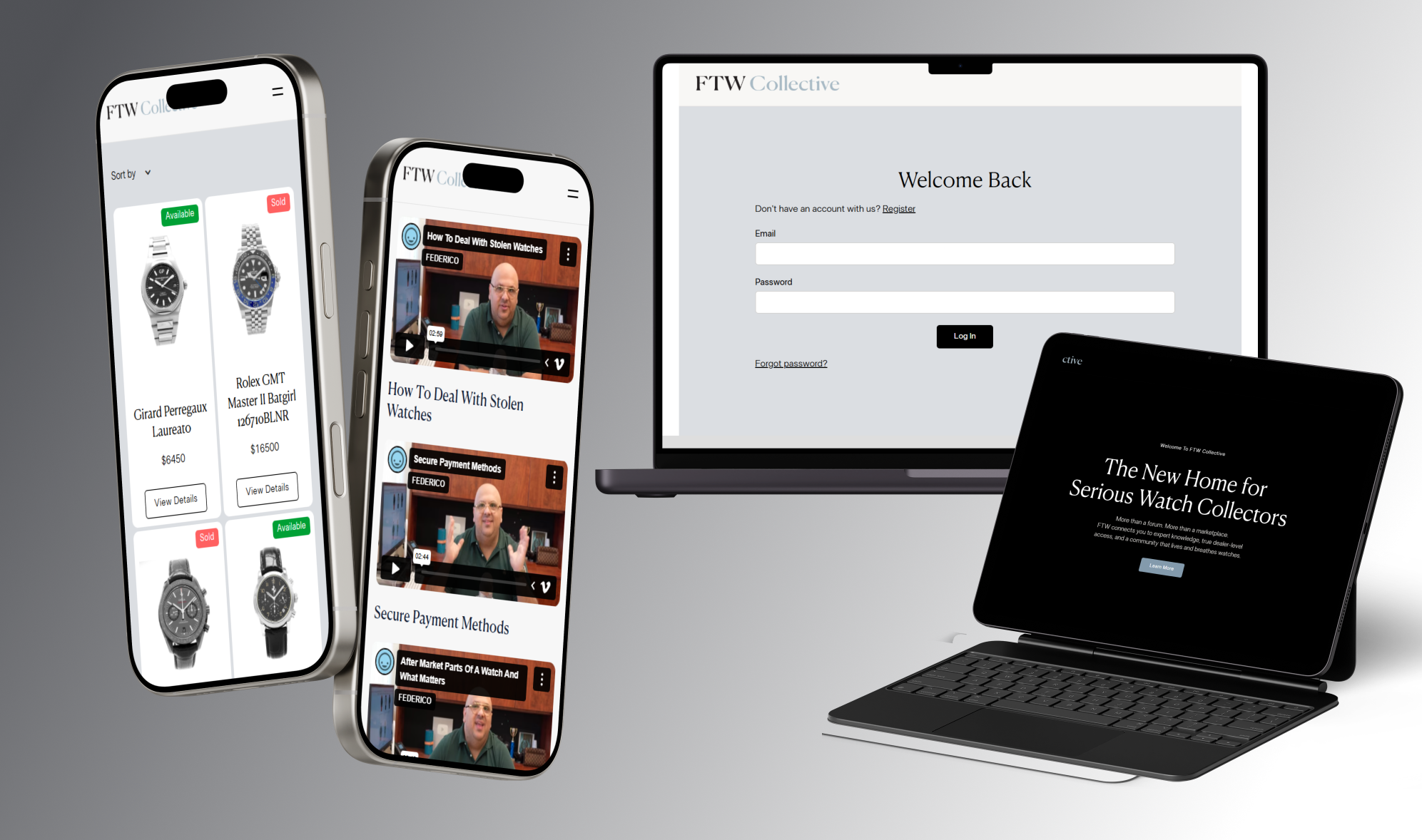


FTW Collective - New home for serious watch collectors

- Table of contents
Introduction

Client overview
Challenge
Solution
Outcome
Conclusion
Introduction
FTW Collective is a fast-growing online community for watch enthusiasts who want to buy, sell, discuss, and research collectible timepieces. The platform combines a members-only community, secure purchase flows, user-powered posting/commenting features, and private messaging between members. The primary goal of the project was to transform FTW Collective from a static Webflow site into a fully interactive community platform with user accounts, gated content, user-generated posts/comments, purchase requests, and automated workflows.
With this case study, I want to outline the technical challenges and solutions that enabled the creation of this ecosystem connecting Memberstack memberships, Supersparks community posting, Memberchat messaging, Webflow CMS management, and Zapier for automations.
Client overview
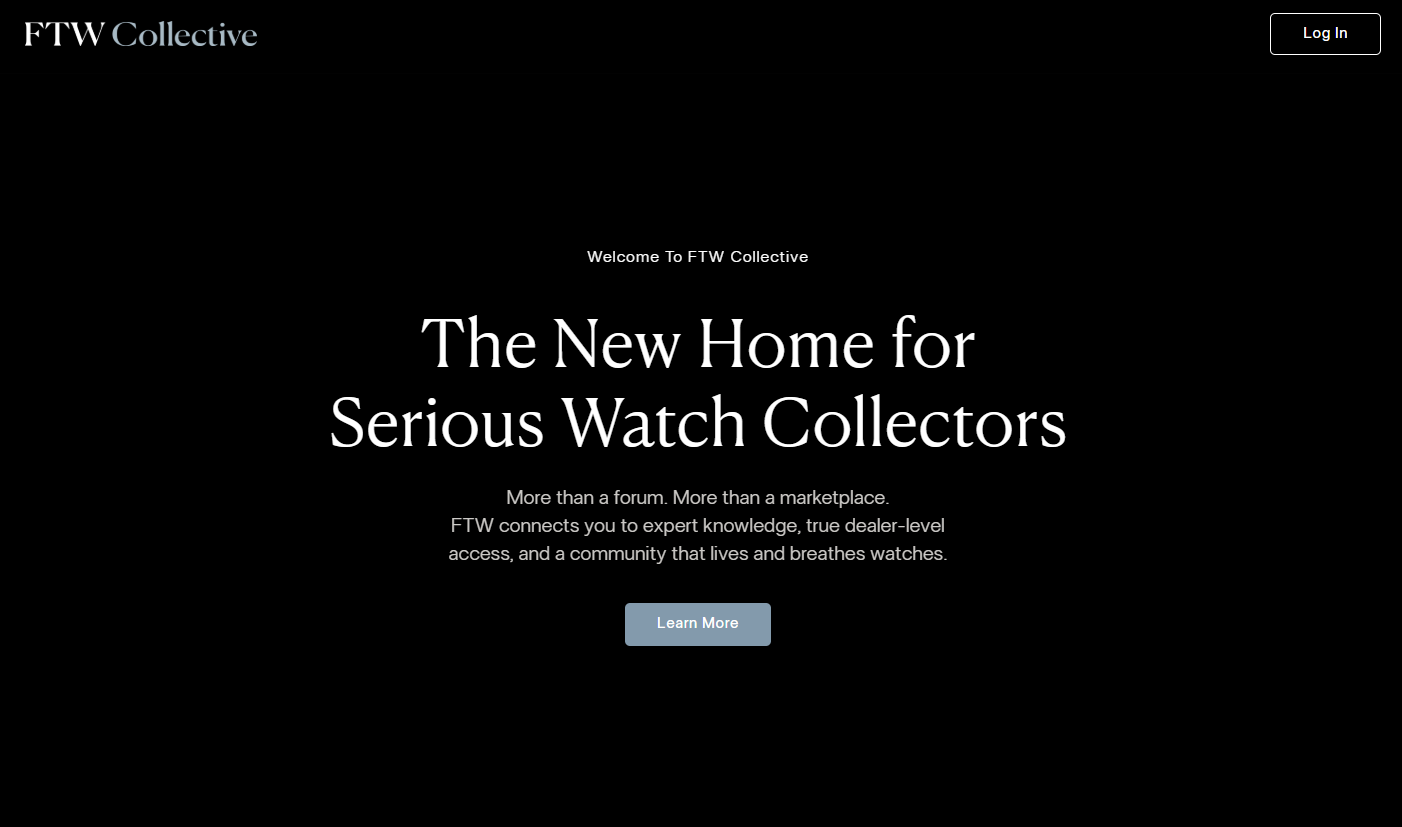
FTW Collective by Federico - FedericoTalksWatches (YouTube) brings together watch enthusiasts, collectors, dealers, and newcomers into one centralized online hub. Users can create accounts, access gated community features, submit purchase requests, ask sellers questions, post discussions, engage with other collectors, view real-time watch listings and details, and manage profiles and private messaging.
The platform relies on Webflow as its visual and CMS foundation, but incorporates logic using Memberstack, Zapier, custom JavaScript, Memberchat, and Supersparks to deliver a fully functional membership-driven watch community.
Challenge
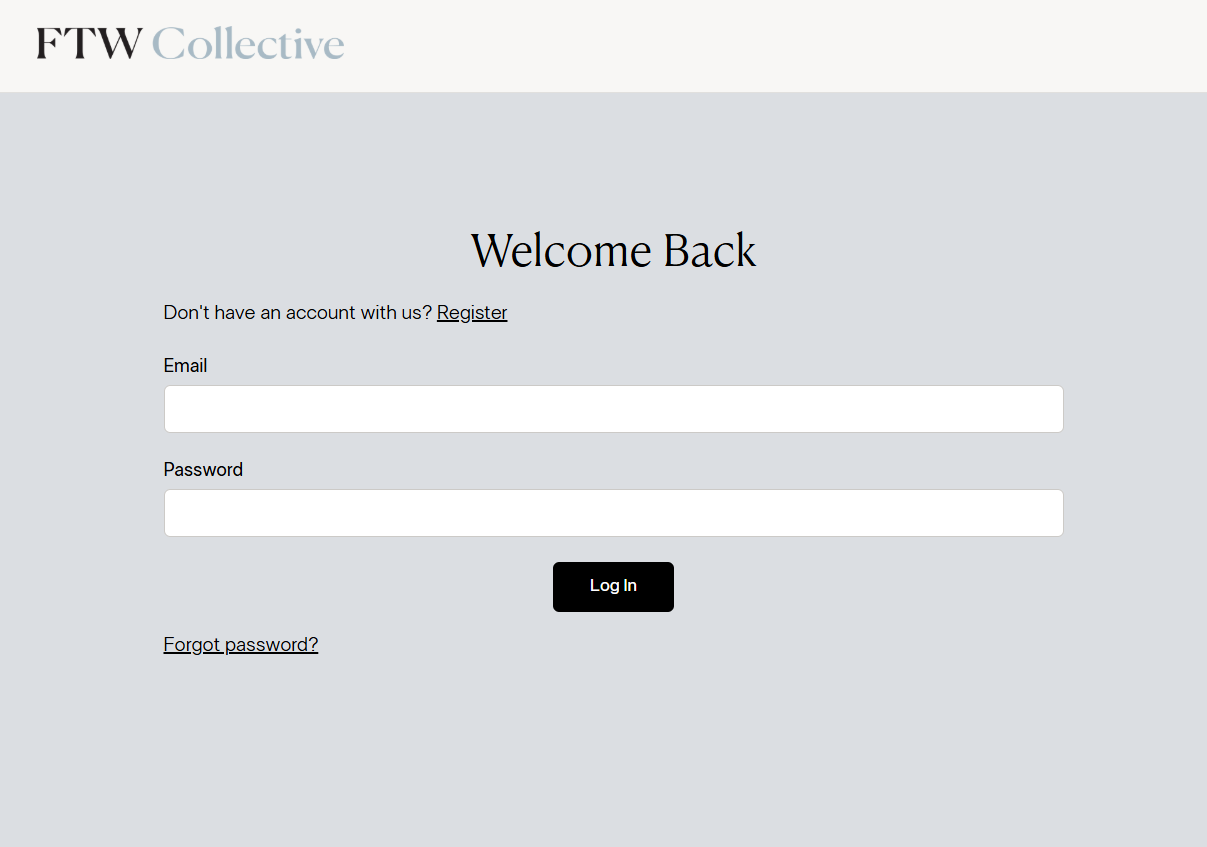
The FTW Collective platform required a membership logic - ensuring only paid members could access private pages, community content, sales pages, and purchase flows. Logic itself wasn't a big problem. For me, the hardest part was checking everything, reviewing, and fixing, since the client had already built something that didn't work as expected.
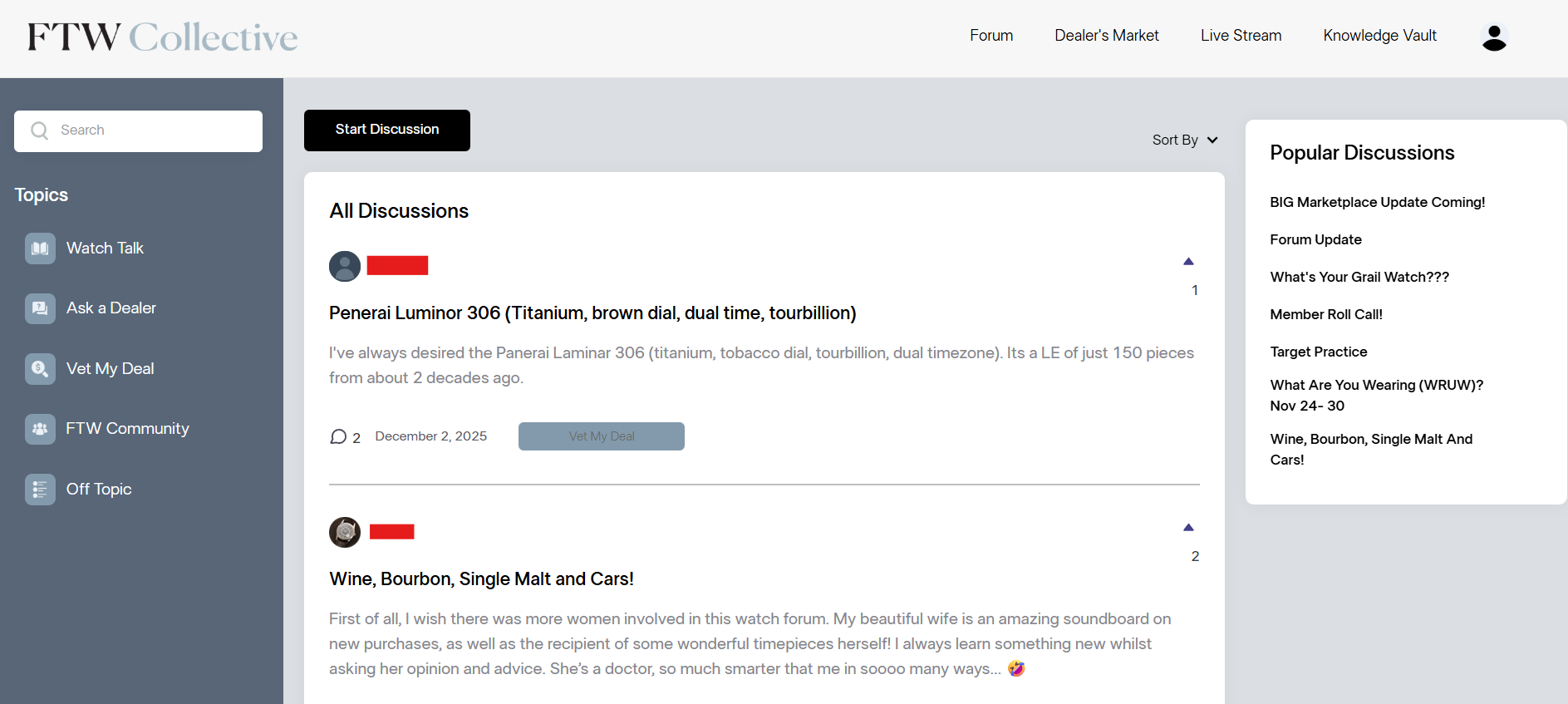
Community posting system - Supersparks needed to allow members to submit new posts and discussions, but at the same time, these posts also had to sync with Webflow CMS, automatically attach the correct author, avoid duplicate slugs, and render usernames and metadata correctly. Next challenge was Purchase confirmation workflow, where clicking “Purchase” triggers - secure user identification, hidden Memberstack metadata injection, hidden CMS metadata injection, email automation to the seller, and email instructions to the buyer. Data automation - Inventory items, posts, and user actions needed to sync between: Webflow CMS, Zapier tables, Memberstack, and Supersparks. Content gating across 60+ pages - Memberstack gating wasn’t working with the client’s previous setup and had to be rebuilt from the ground up.
Overall, the challenge was coordinating five different technologies, each with its own constraints, and making them feel like one unified platform.
Solution and features
To solve these challenges, the first step was to review the current client's setup, prepare the plan, and then build multi-system integration using the following tools:
Webflow - Webflow powers core pages, product listings, community layouts, and CMS collections such as Watches, Members, Posts, Master Inventory, and Historical Inventory. Custom components were built for: purchase modals, ask-a-question modals, gated wrappers, and dynamic chat links.
Memberstack - user registration and authentication, paid plan gating (Stripe), member data fields, username validation, dynamic injection of user metadata into forms. Key implementations: Automatic injection of Memberstack ID, email, username, and profile info into Webflow forms using JavaScript, full-page gating, integration with Memberchat, custom username validation, Memberstack data syncing with Webflow CMS through Zapier, etc.
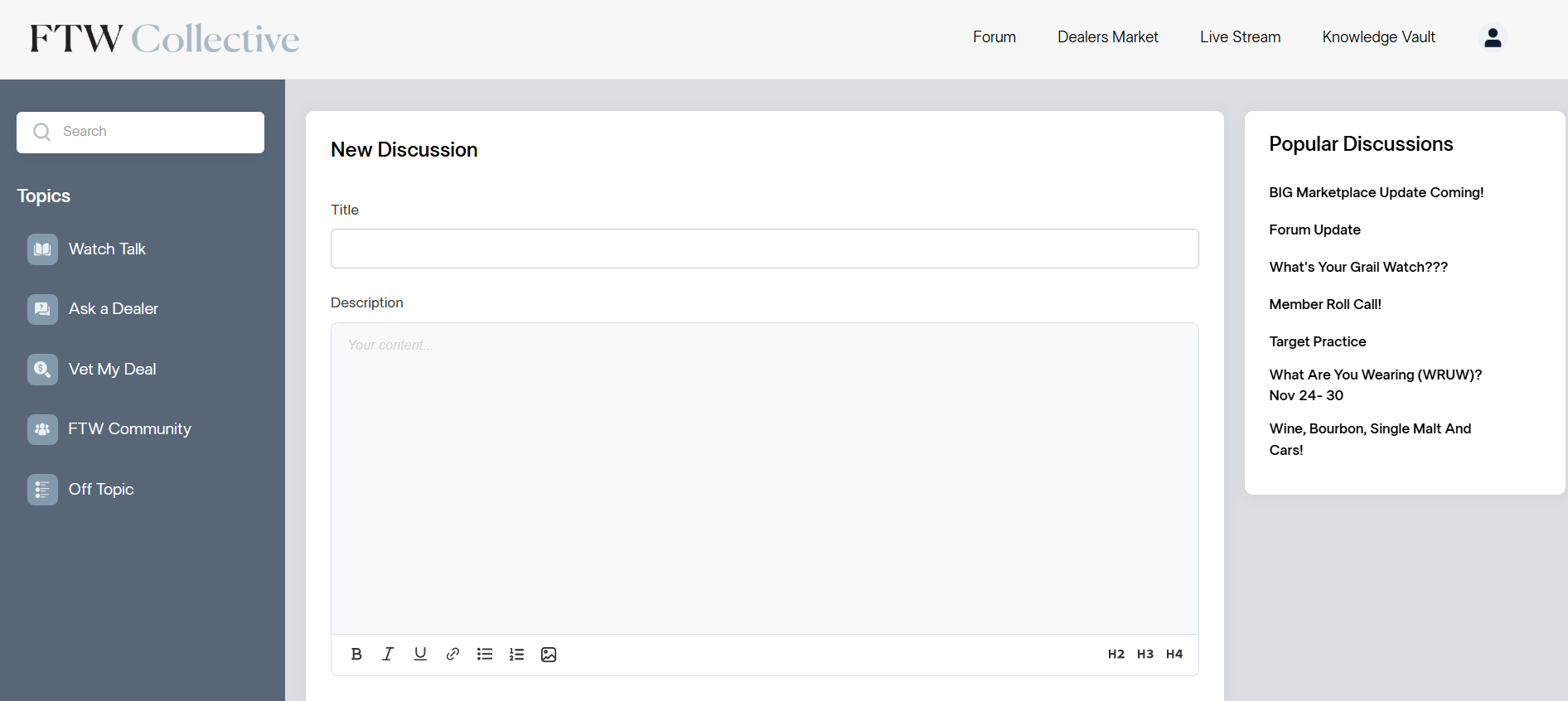
Supersparks - Supersparks enables users to create new posts and discussions. Because Supersparks does not provide public slug access or author mapping, I built a hidden input system that injects the Memberstack ID into the Supersparks “New Post” Webflow form, a Zapier workflow that captures “New Form Submission”, matches it with Member profiles, and connects the Post item to the correct Member reference. This fully automates the Post and Author connection. We also needed a workaround for slug collisions, using a username and timestamp logic to guarantee uniqueness. Last but not least, I used CSS to override and fix the issues with different text elements in posts.
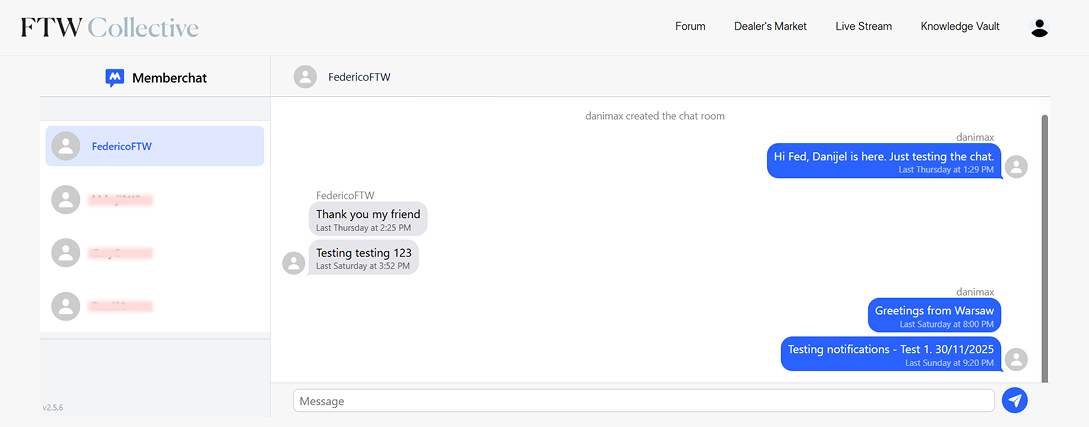
Memberchat – Memberchat allows users to message each other. To integrate it with Supersparks posts and profiles - every username in the community links to a Memberstack profile, that profile reads a Memberstack ID, not the logged-in user’s ID. Then, Memberchat buttons dynamically receive the correct user ID using custom JavaScript, ensuring messaging the poster, not yourself.
Zapier – as a central automation engine.Key workflows built are: Purchase confirmation and Ask a question flow - connecting buyers, sellers, and admin, automatic post author assignment, inventory Master table, CMS sync, delete button logic, etc.
JavaScript – Custom JS was required to fix gaps between Memberstack, Memberchat, Supersparks, and Webflow. For example: sending Memberstack users' info via Webflow forms, validating usernames (no emails allowed, or some special characters, etc), for managing hidden inputs, applying dynamic CSS changes to Supersparks editor and rich text fields, assigning post slugs and matching authors, etc. Basically, everything that the client needed and wasn't possible with the default setups of the tools mentioned above, I used JavaScript to do it.
Outcome
FTW Collective now functions as a fully integrated, membership-driven platform that combines user accounts, community posting, internal messaging, purchase workflows, gated content, automated CMS syncing, and more.
I'm especially proud of the fact that on the day the application went live, not a single bug occurred, everything went flawlessly and without error.
Conclusion
FTW Collective evolved from a static website into a fully interactive membership community powered by Webflow, Memberstack, Supersparks, Memberchat, Zapier, and custom JavaScript.
The platform now supports secure access control, automated posting, clean user identity management, messaging, and buyer–seller interaction flows. All without requiring a custom backend.This project demonstrates how no-code and low-code tools can be combined to build community ecosystems.
If you're looking to build a membership platform, online community, automated CMS workflows, or integrated user systems with Webflow, reach out on hello@maksimovicdanijel.com or on UpWork, and let's work together!